The AI-native editor for everyone.
The AI app that keeps your files on your machine
 Download for free




Trusted by next-gen writers & professionals


 macOS
macOS Windows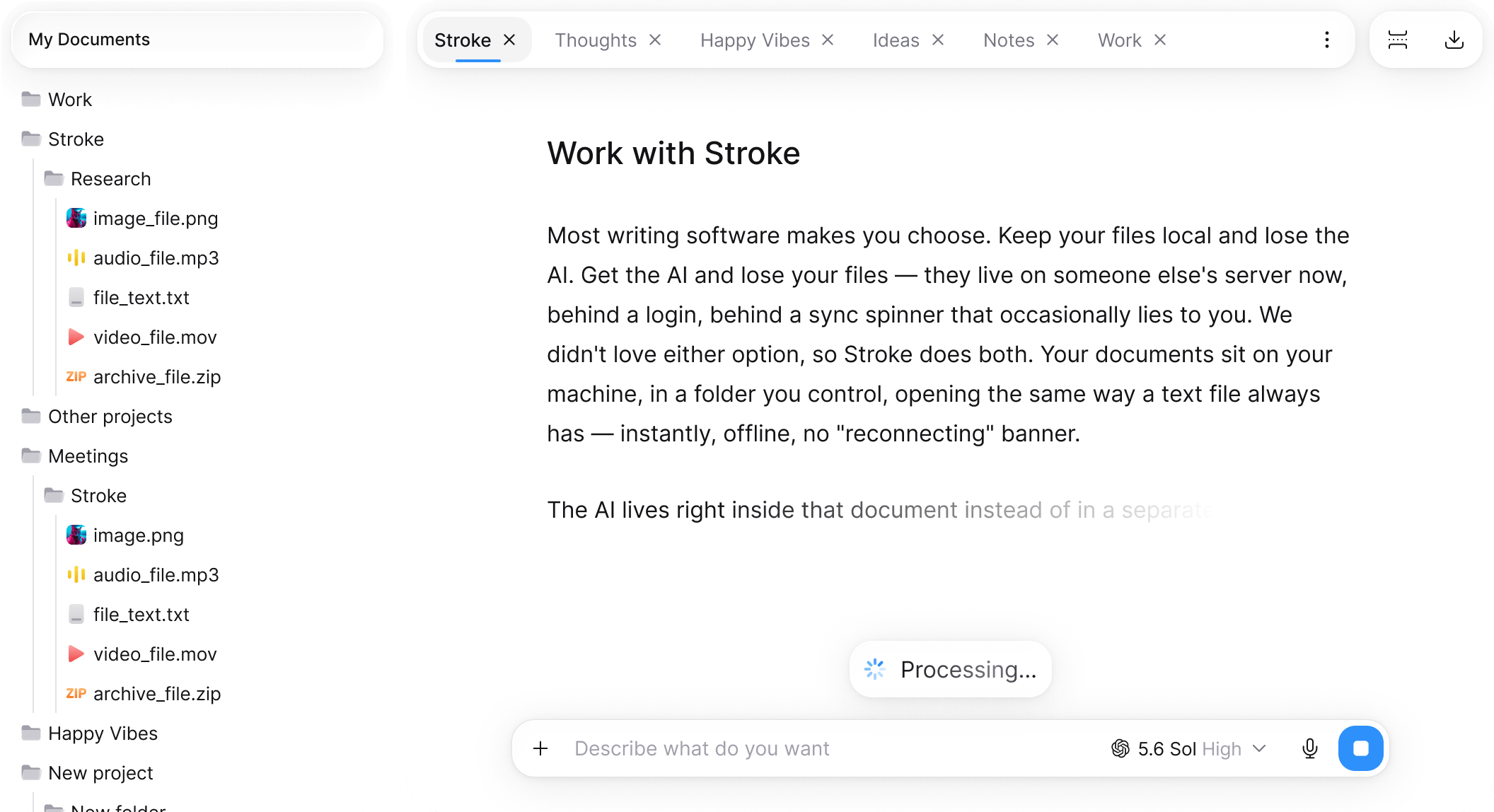
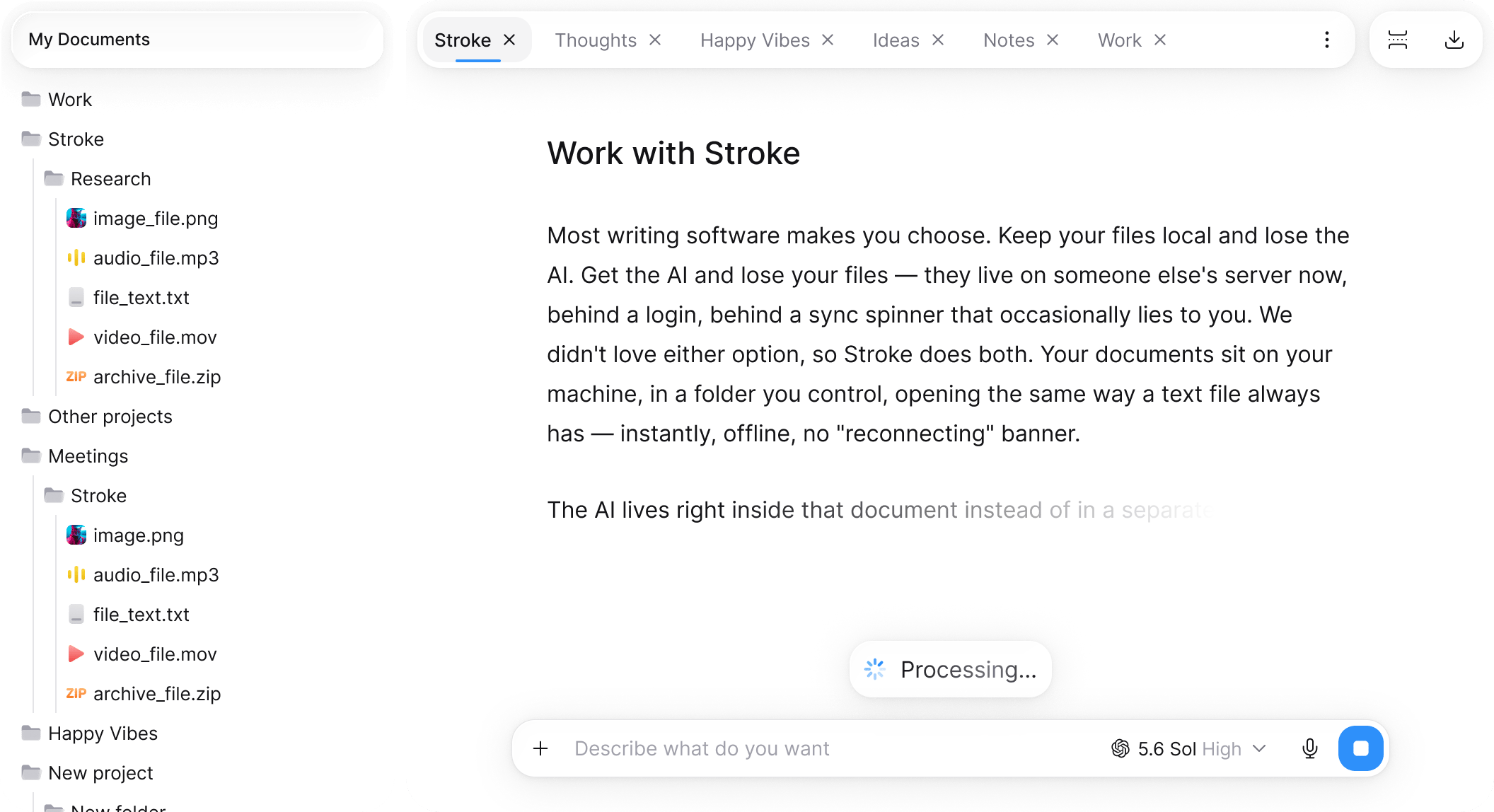
One document.Multiple minds.
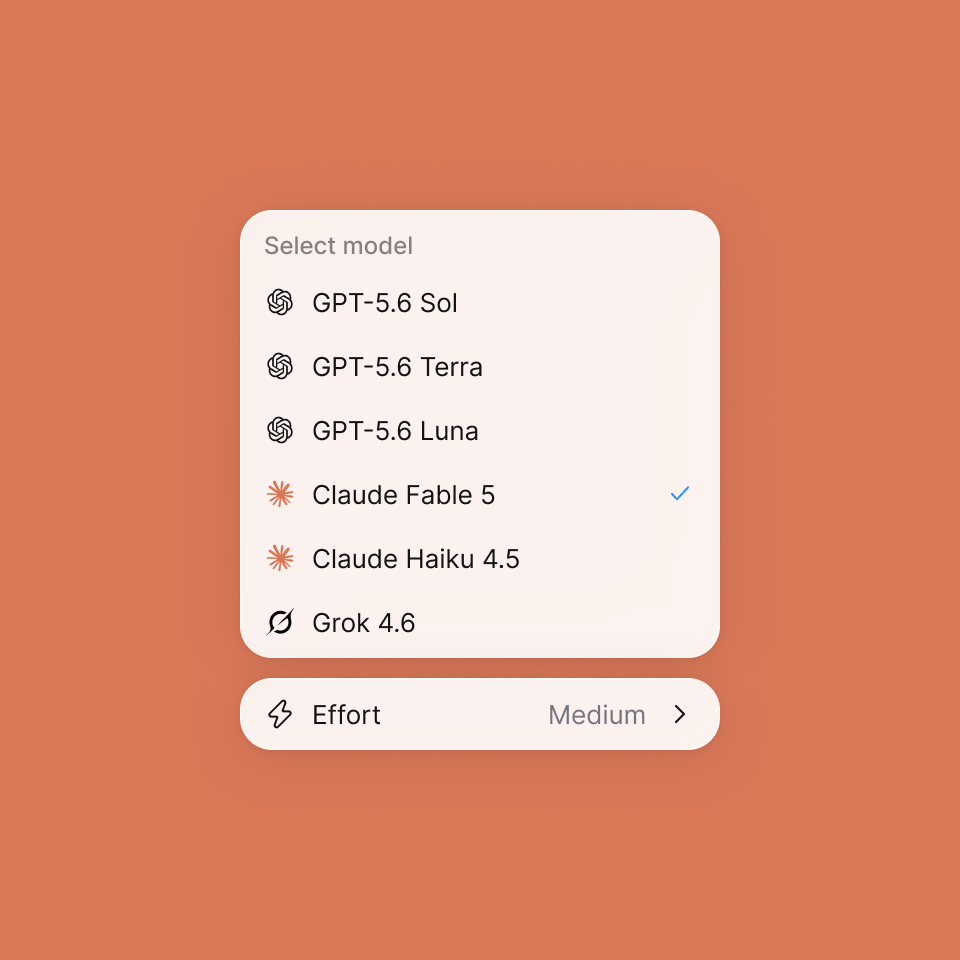
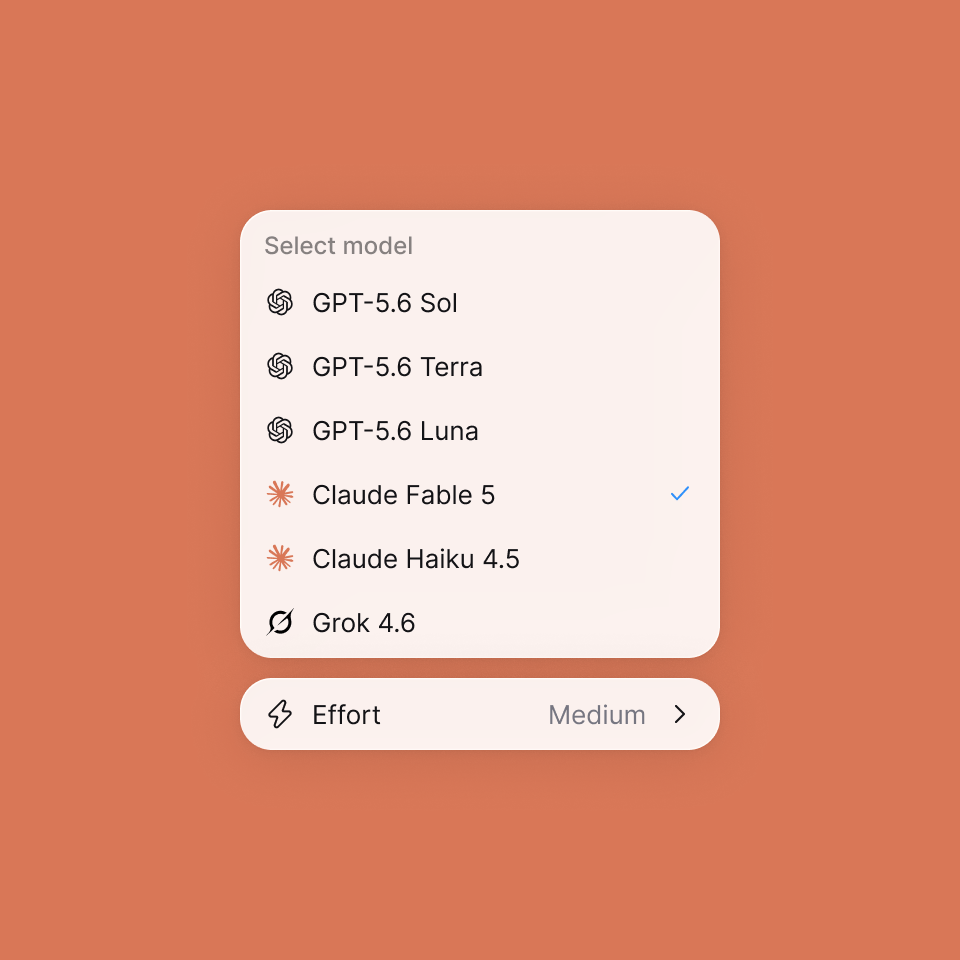
No model-hopping. No second window. Choose the model, keep working in the document.


AI suggests —you decide.
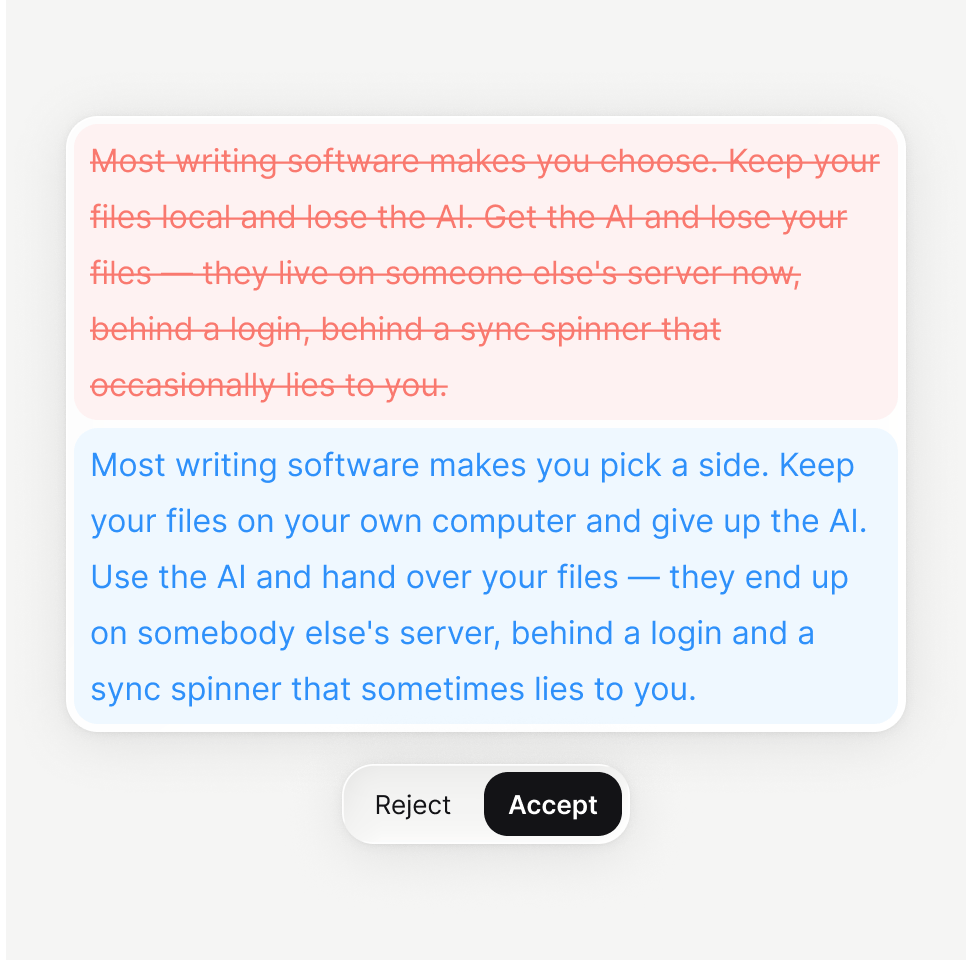
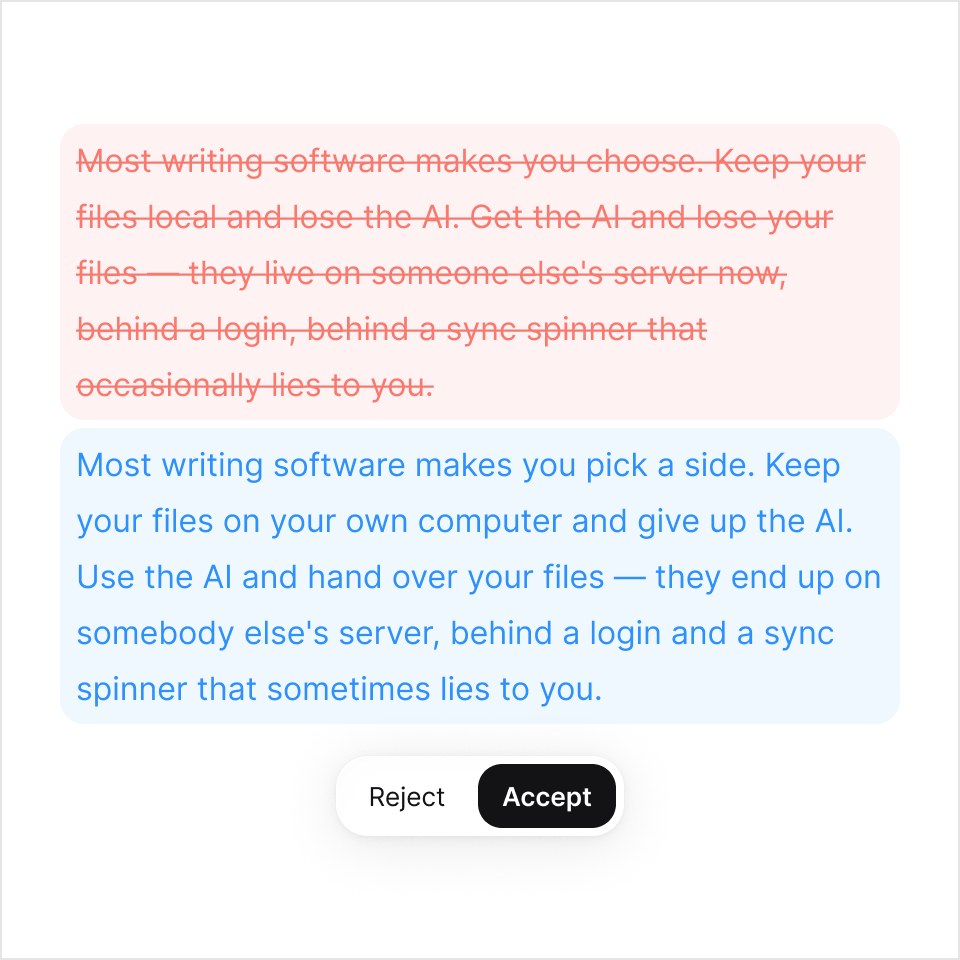
Start from scratch, fix a section, rewrite a chapter. Strokes shows you the change, not just the result. Accept it, reject it, or take half.
True offline experience
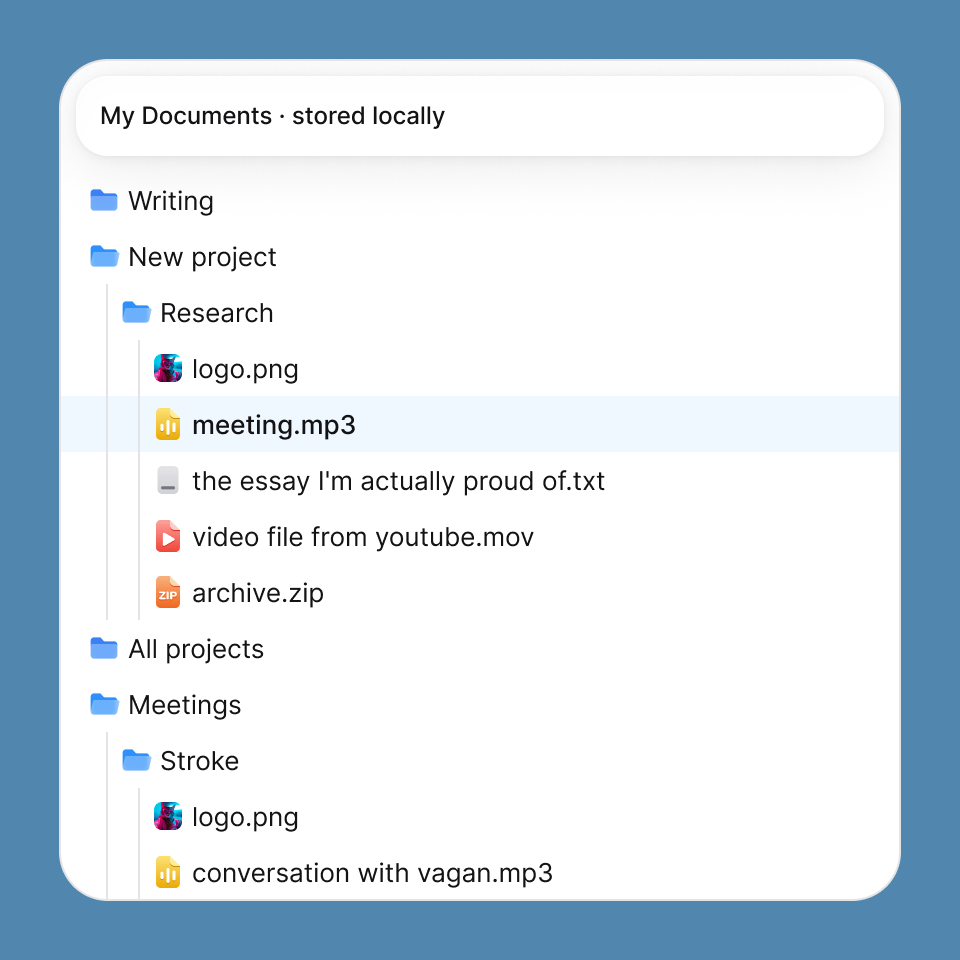
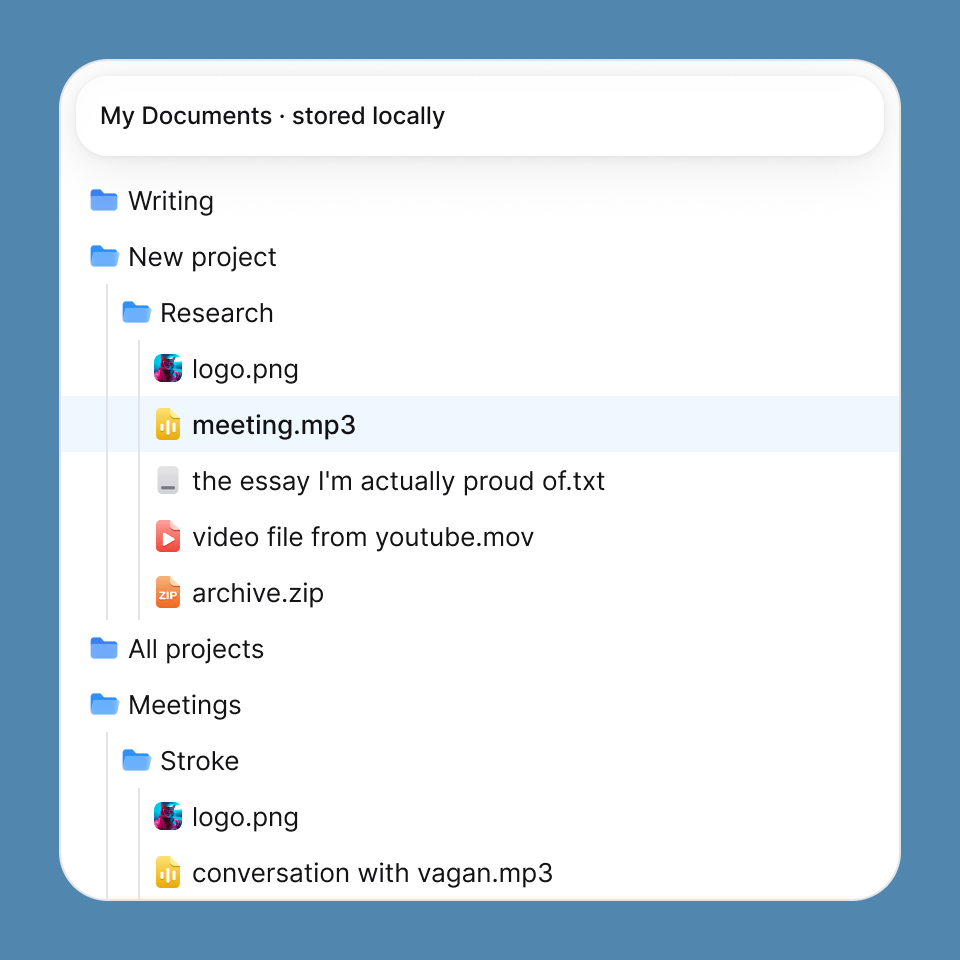
Your documents live on your local machine, not somewhere else's server. Keep working offline with no internet connection.
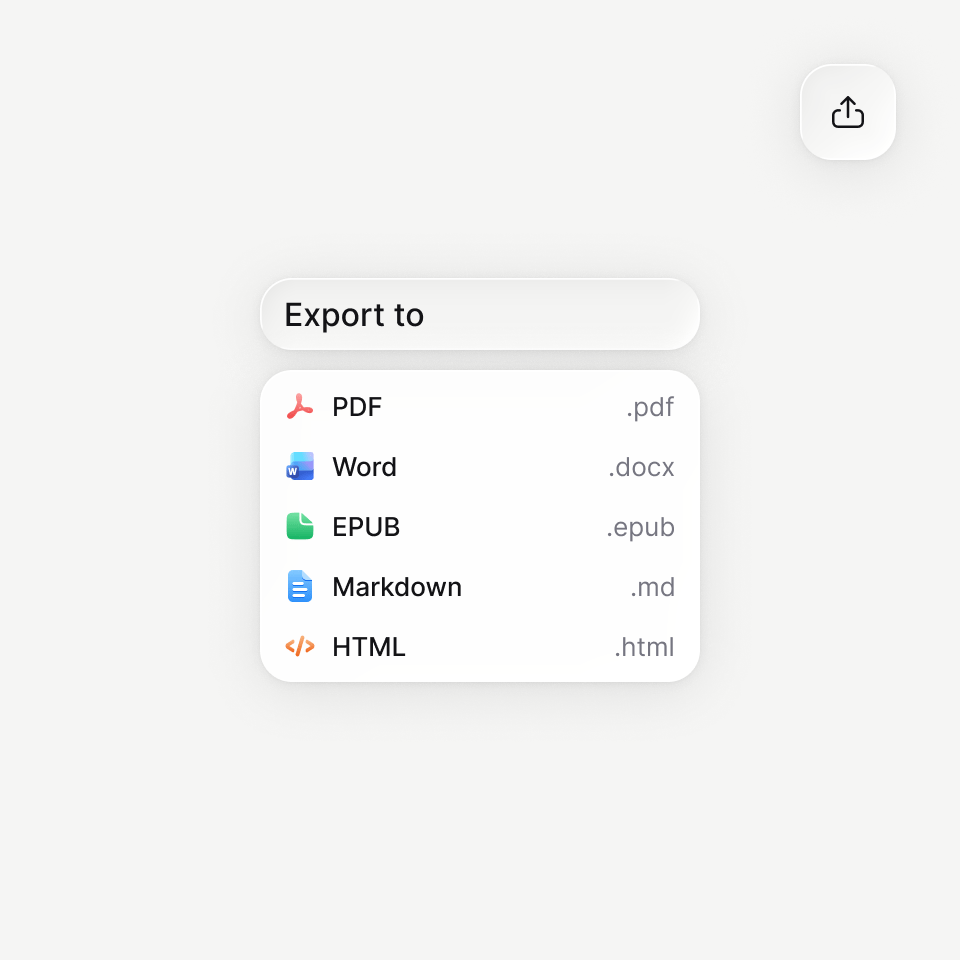
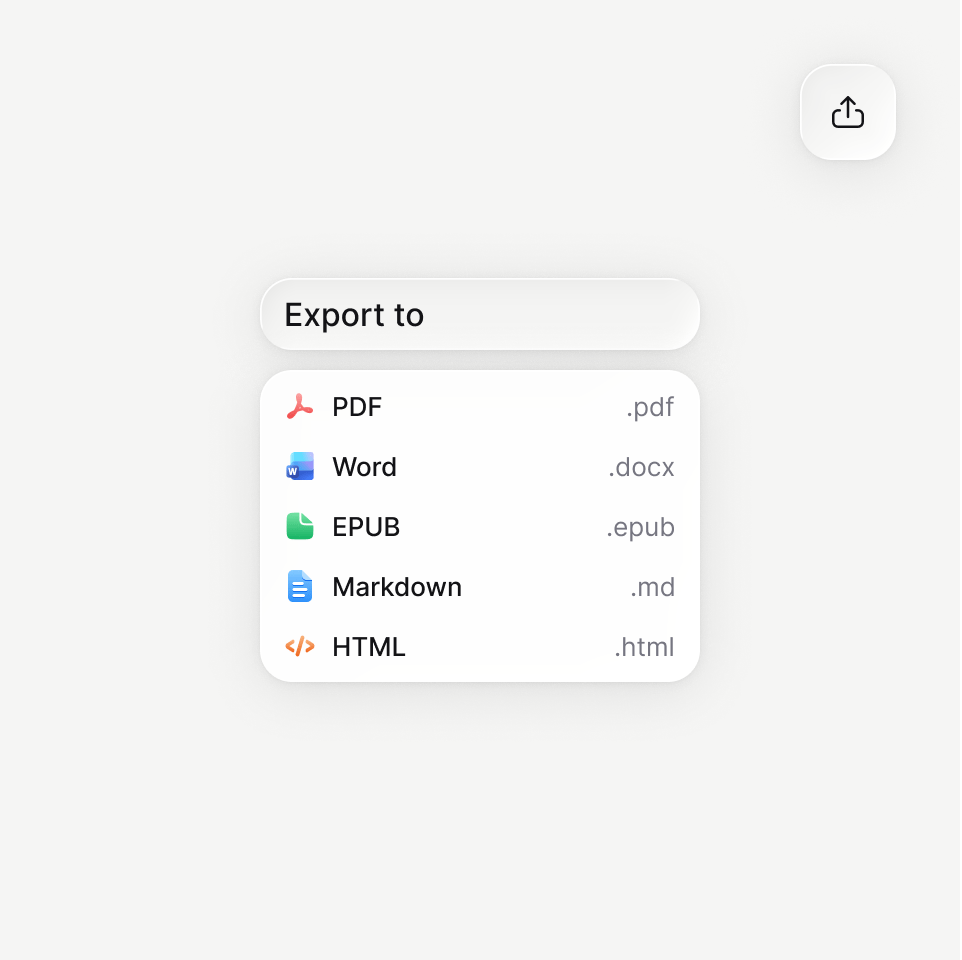
Write once.Take it anywhere
PDF that looks like the page you were looking at. Word that opens clean. EPUB that isn't an afterthought.
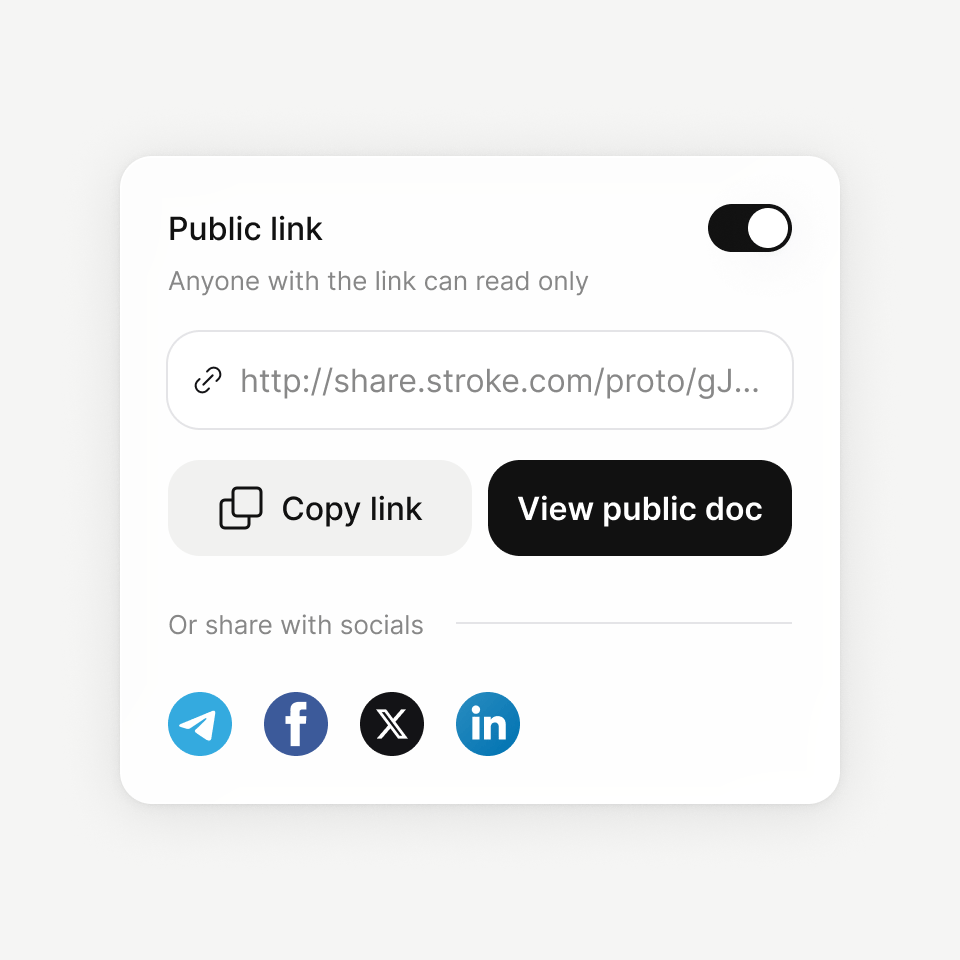
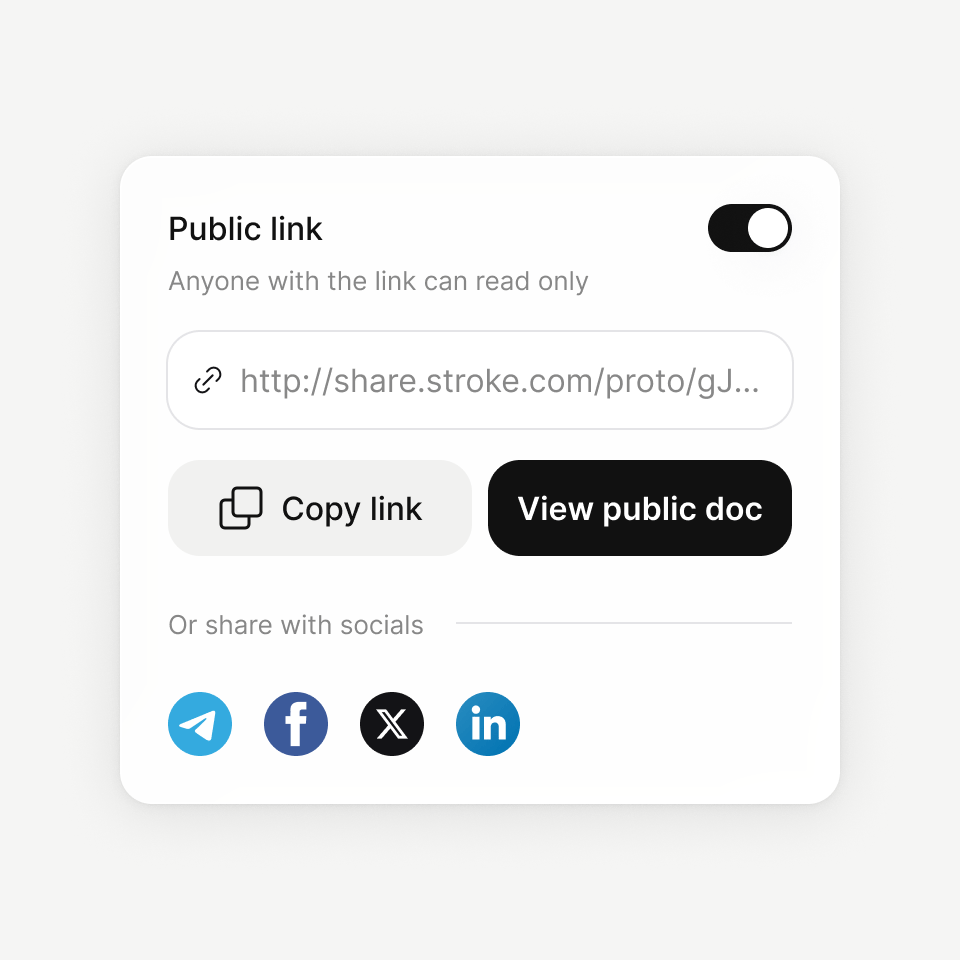
Work your way
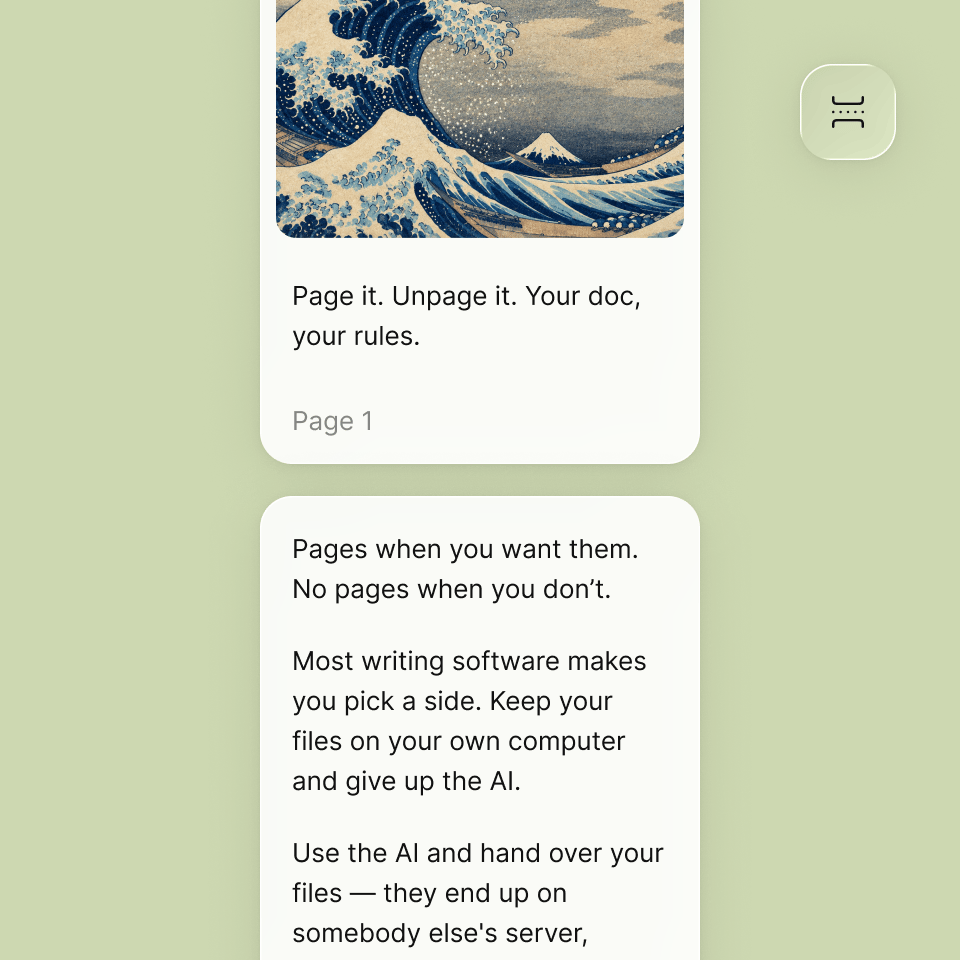
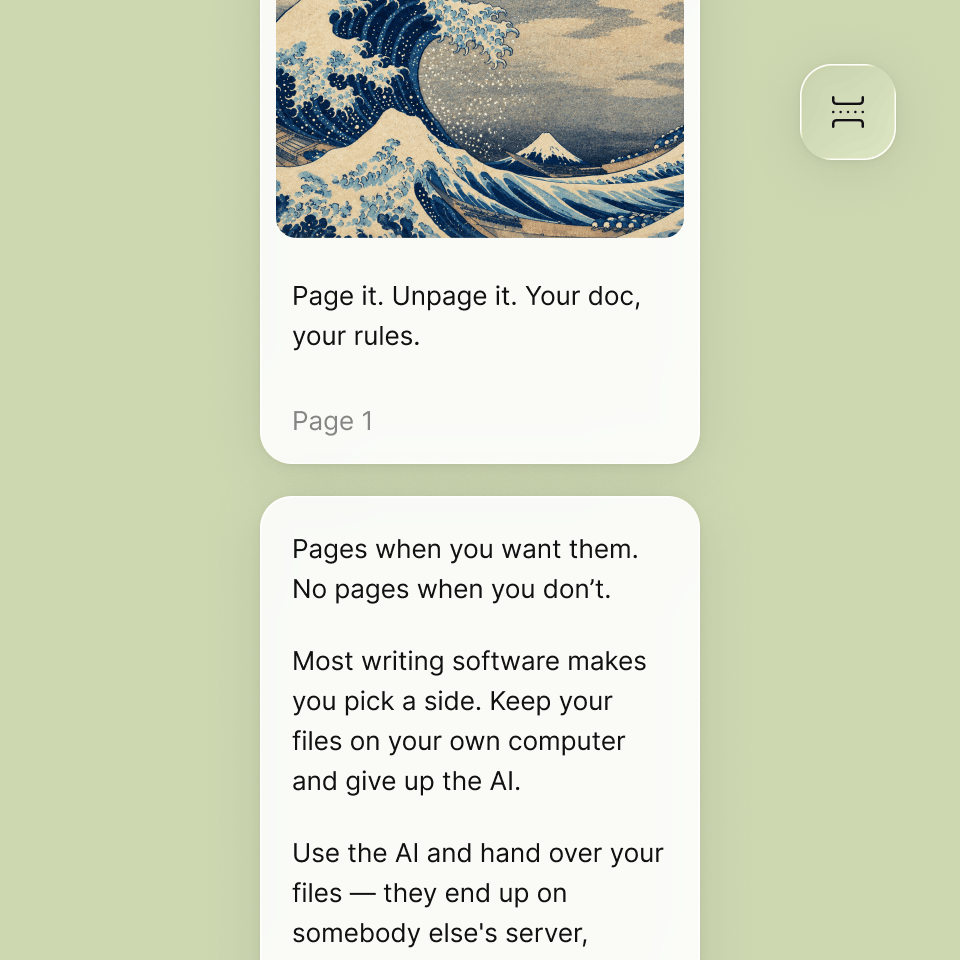
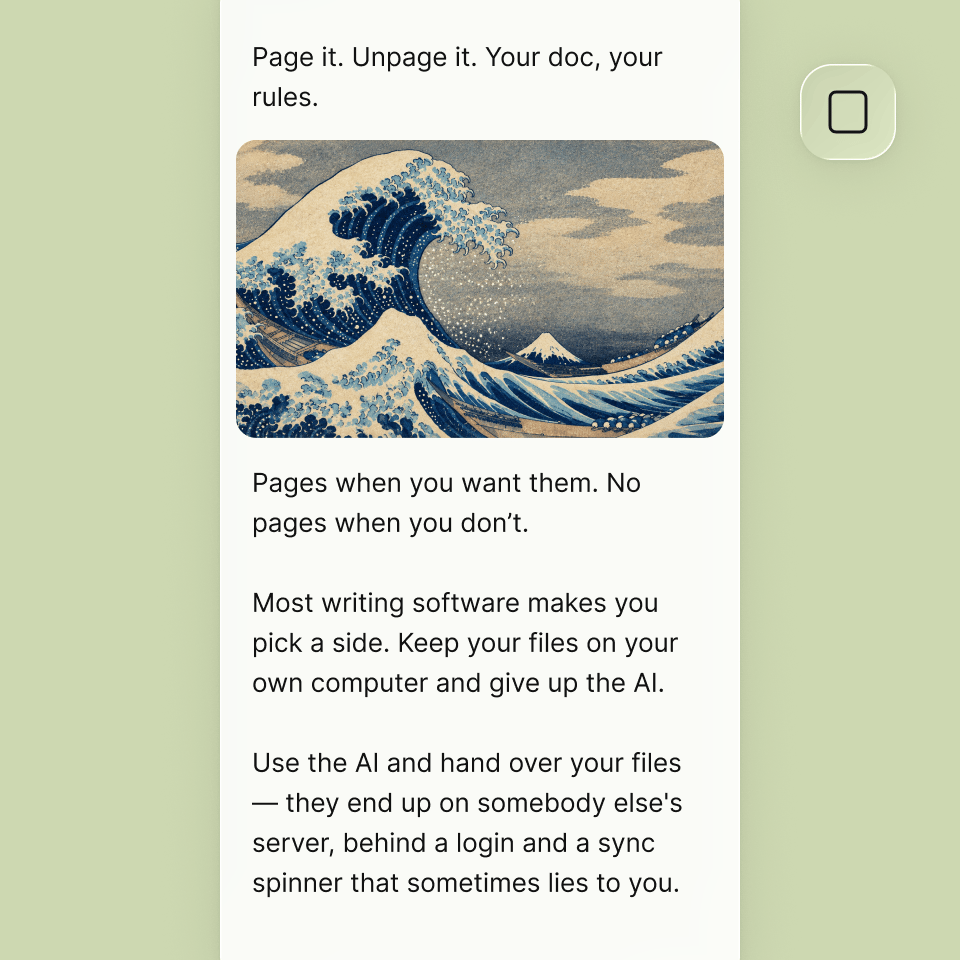
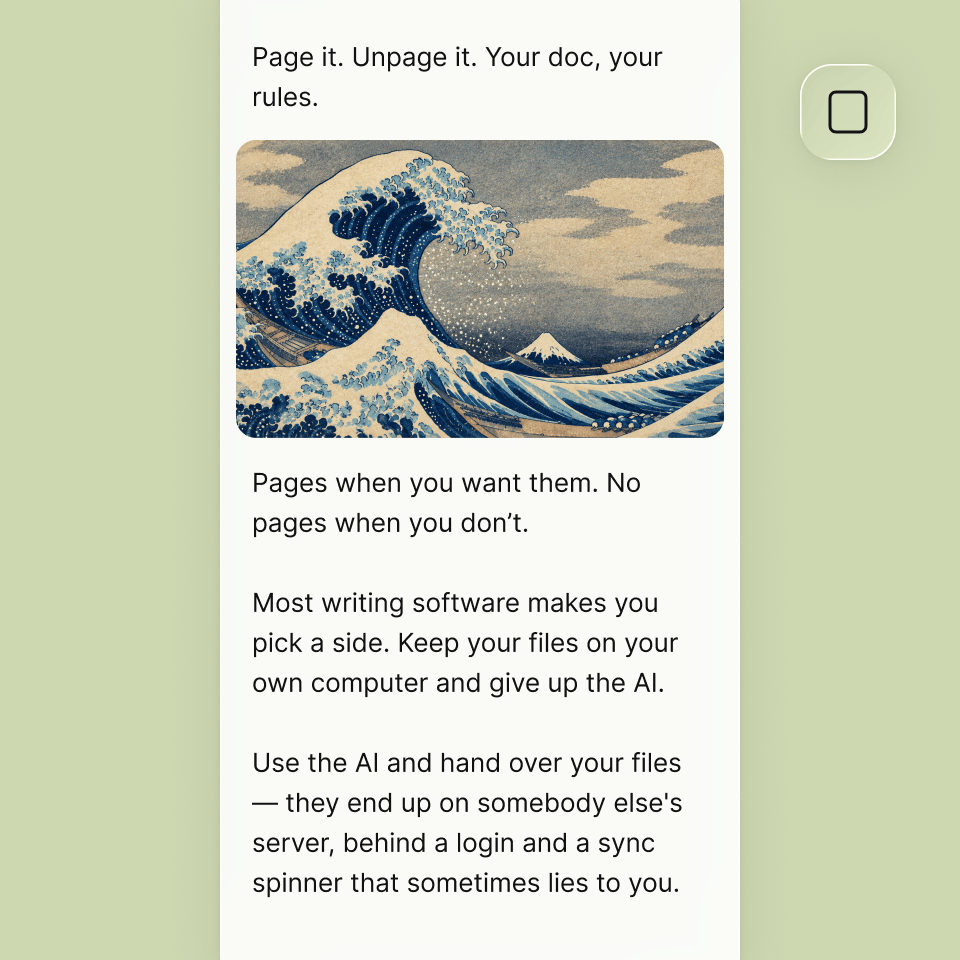
Page view when you care about the page. Pageless when you just want to write.
Shared (or isolated) memory for all your docs.
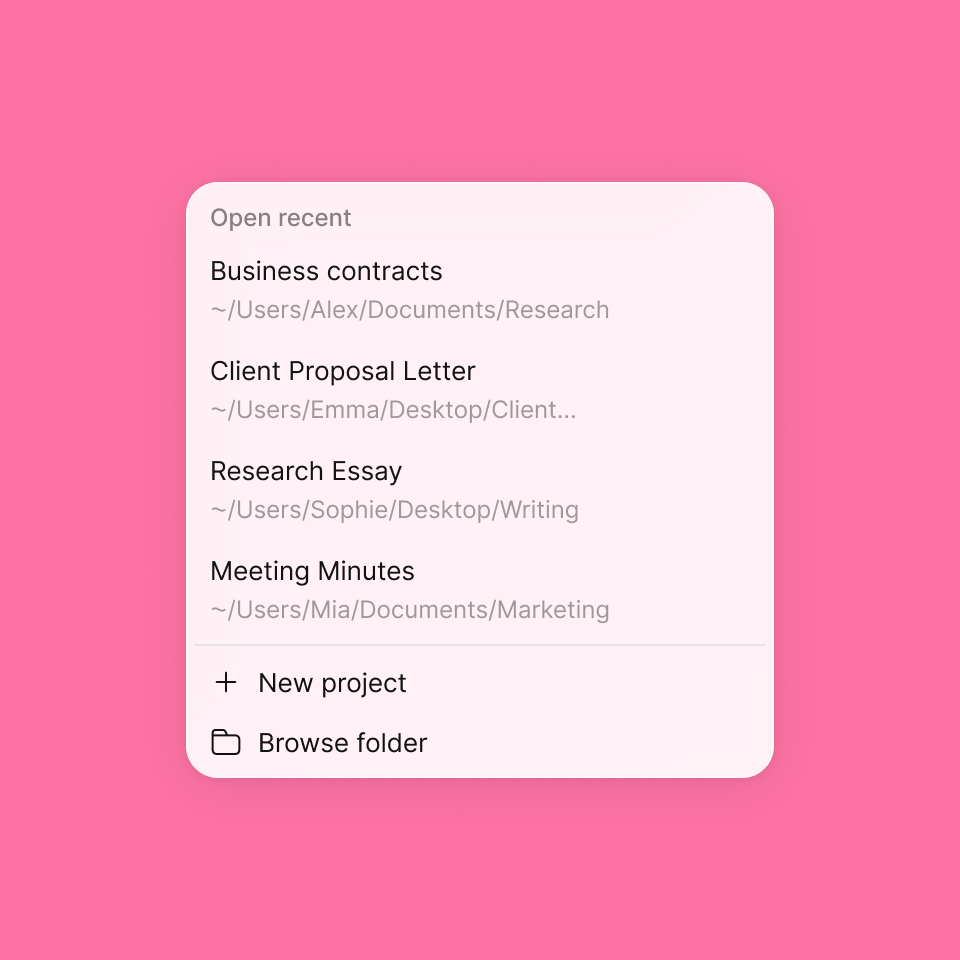
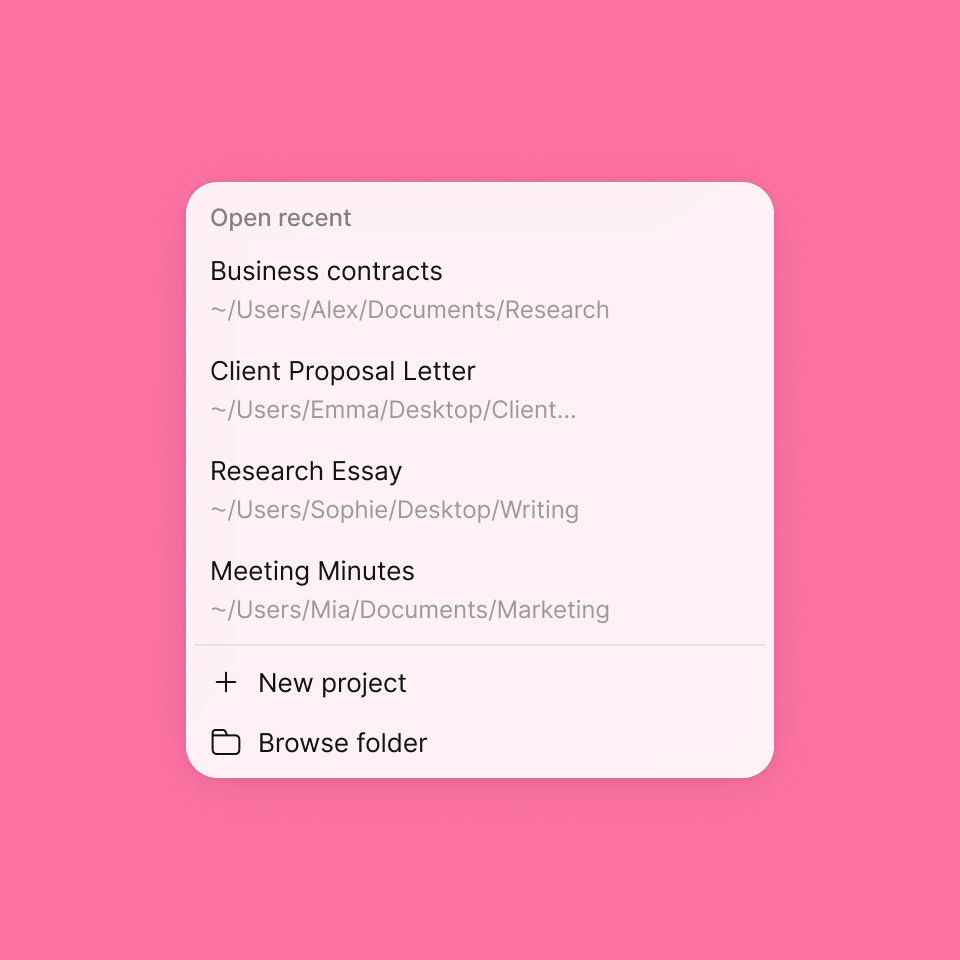
Organize your docs, ideas, and project with shared or isolated memory settings.
Already working somewhere else?Bring it with you.
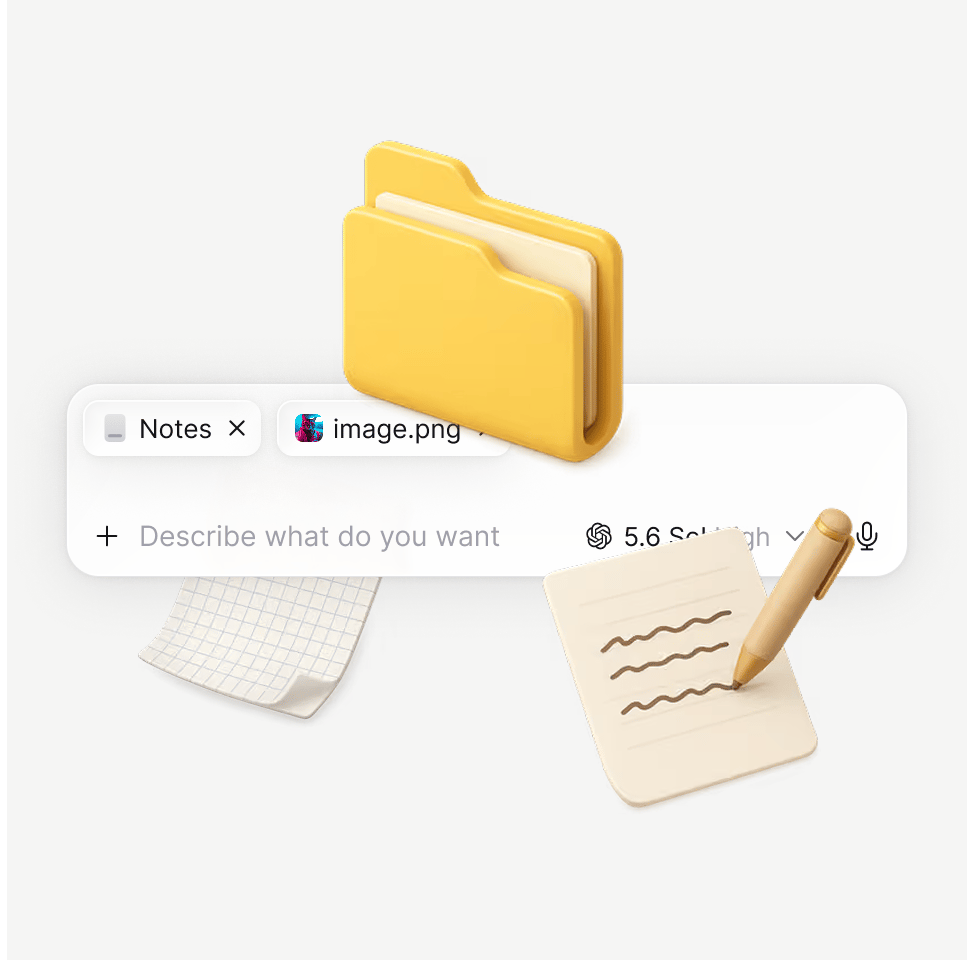
Drop in a Word file, a Google Doc, or a folder exported from Notion. Strokes keeps the formatting instead of flattening it into plain text.
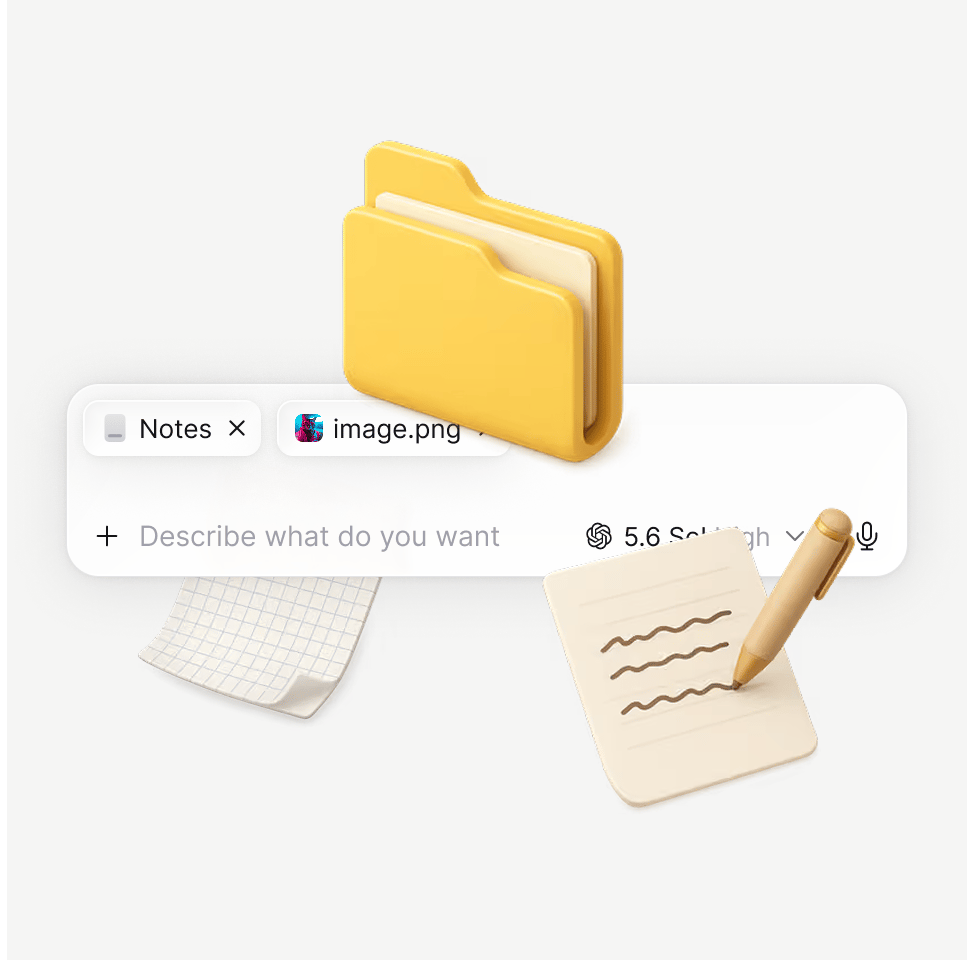

Create images



Add tables

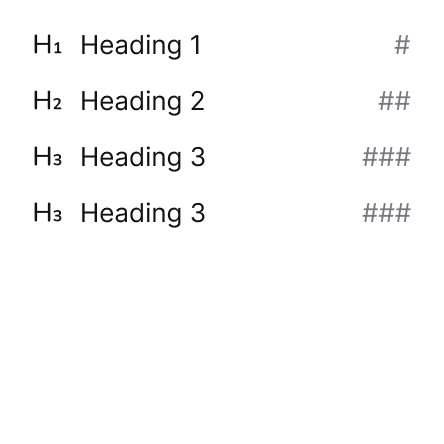
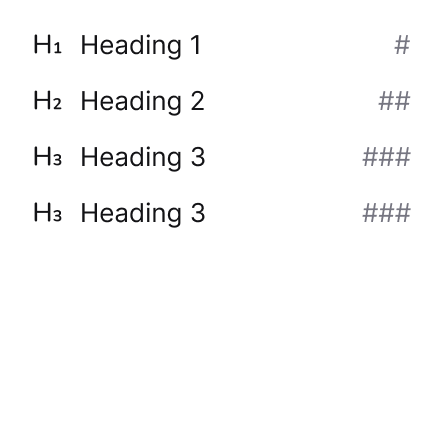
Format text

...and much more